
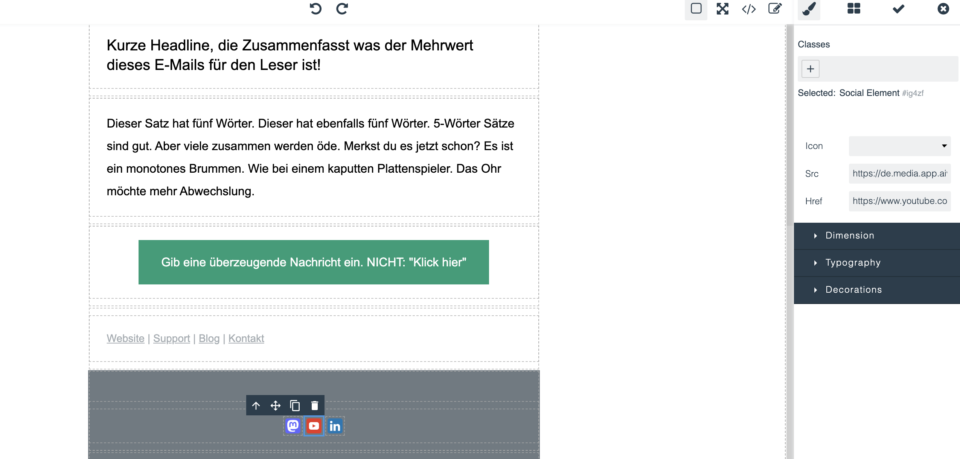
Our Aivie email templates include the following social media profiles in the footer by default:
- YouTube
- Mastodon
- TikTok
- Podcast
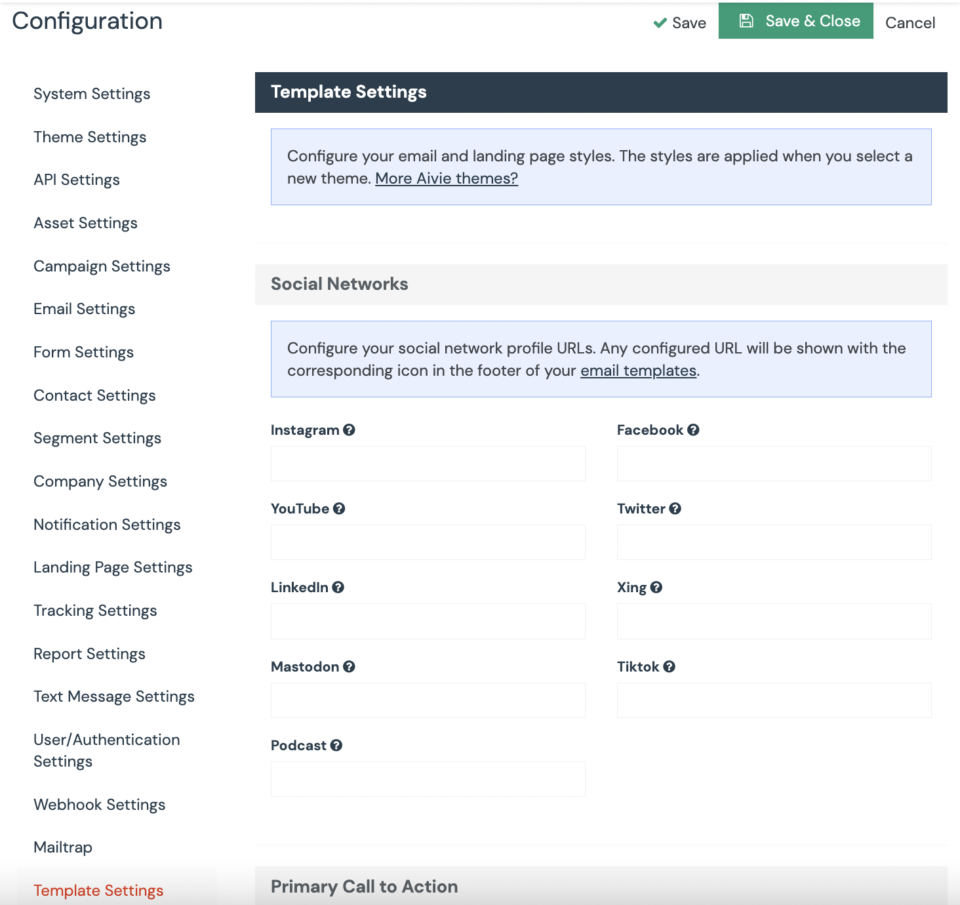
You can easily customize the links to your own social media profiles. Go to “Configuration” > “Template Settings” and edit the corresponding fields. This allows you to insert and customize the links to your preferred social media profiles.
Can I place the social media profiles in a different location or insert them into my email?
Absolutely! You have the freedom to move the elements provided by the Aivie template in your email. If you want to place the social media profiles in a different location, you can easily do this by dragging the corresponding elements in your email to the desired position.
We hope this information helps you. If you have any further questions, please do not hesitate to contact us.
