
Campaignare central to contact management, to your marketing efforts, and to drive sales.
A Campaign can send messages to all contacts in the segment or to a subset you specify. You can set whether the Campaign sends the message once or at a recurring interval. Learn more about the different Campaignhere.
You can see what preparations are needed to create a campaign and a short overview of the campaign builder in the linked articles.
How to create a newsletter follow-up campaign:
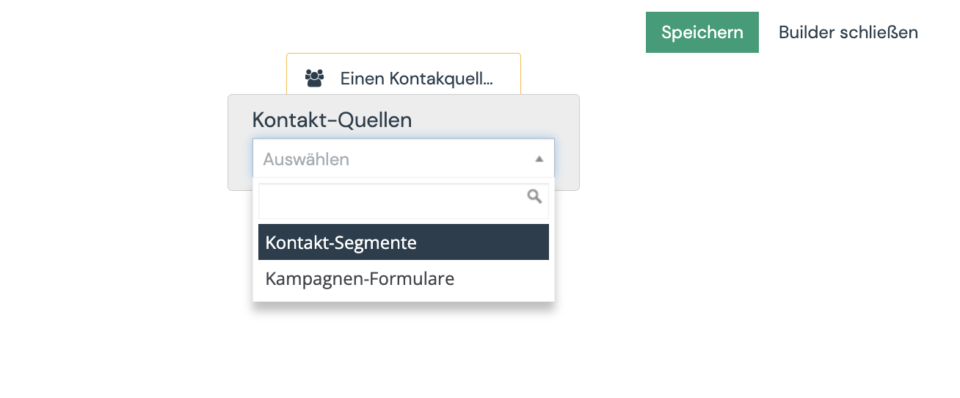
- In the campaign builder, first select your newsletter contact segment to select the desired contacts for this campaign.
You can also store your test segment here first to test the campaign.
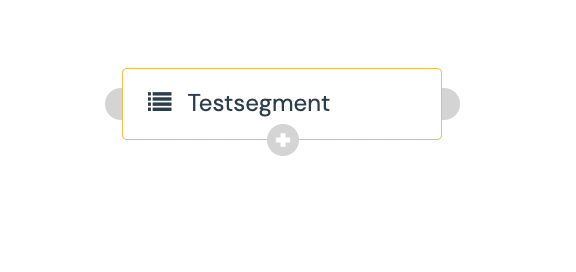
- Now click on the plus sign in the gray dot to add an event.
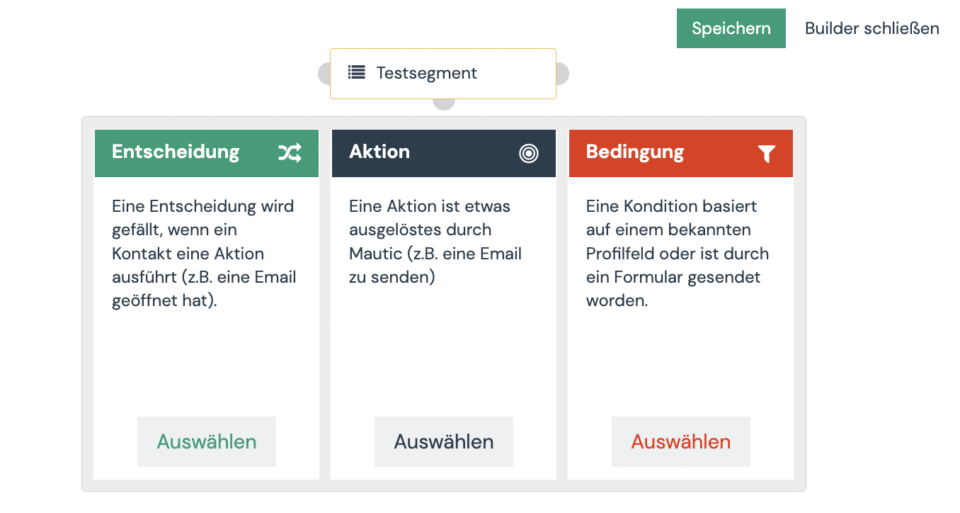
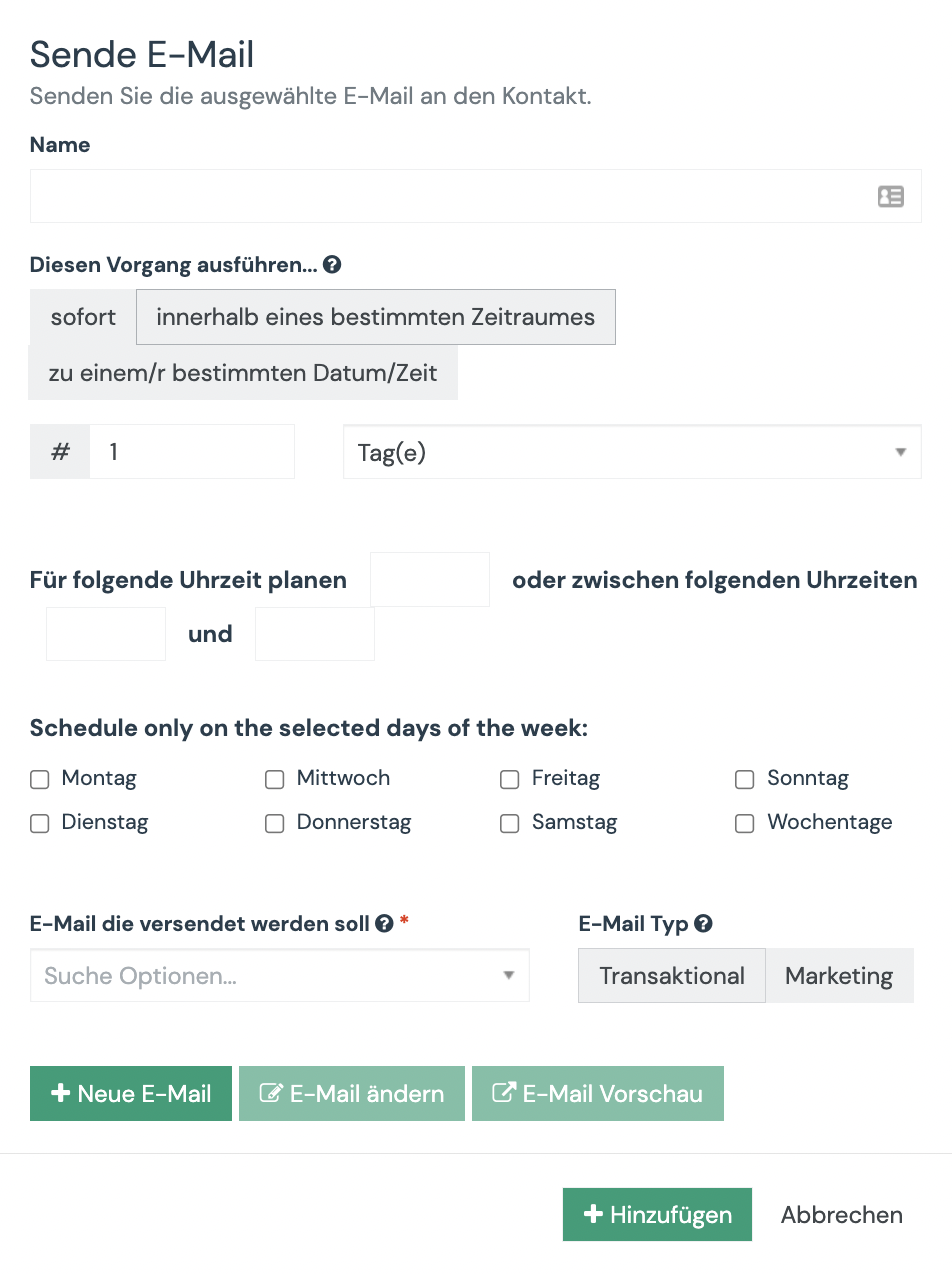
- Select the action event to send an email.
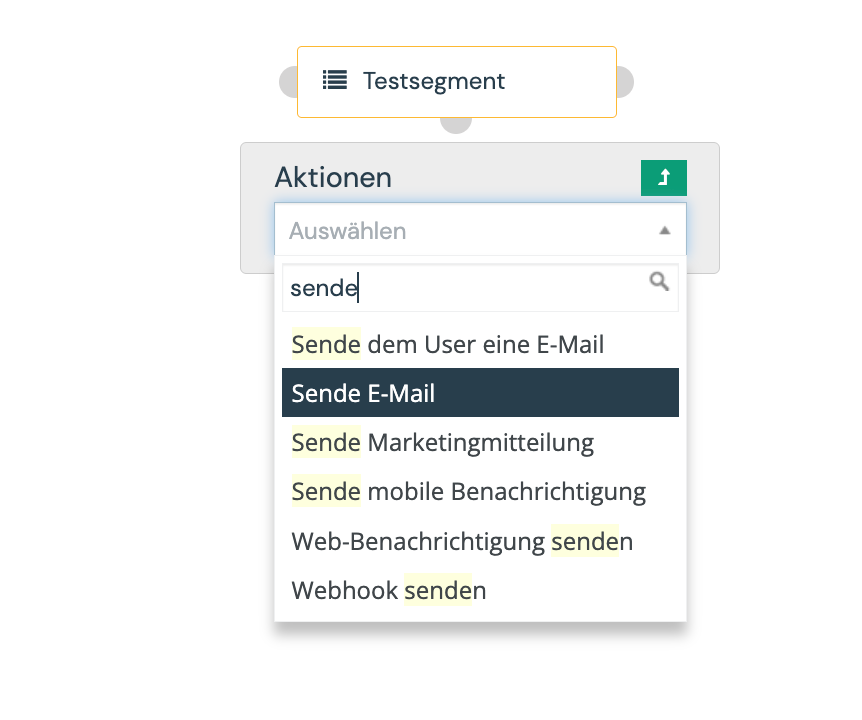
- Search the action “Send e-mail”.
- Under “Email to be sent” link your created email and under “Perform this operation” you can set after how many days, minutes, hours the email should be sent or schedule the email for a specific time.
- Now you can attach more follow-up emails in the same style.
- Finally, save your campaign and test the campaign with your test segment. Quick tip: For the test, you can adjust and shorten any waiting times and periods again.
