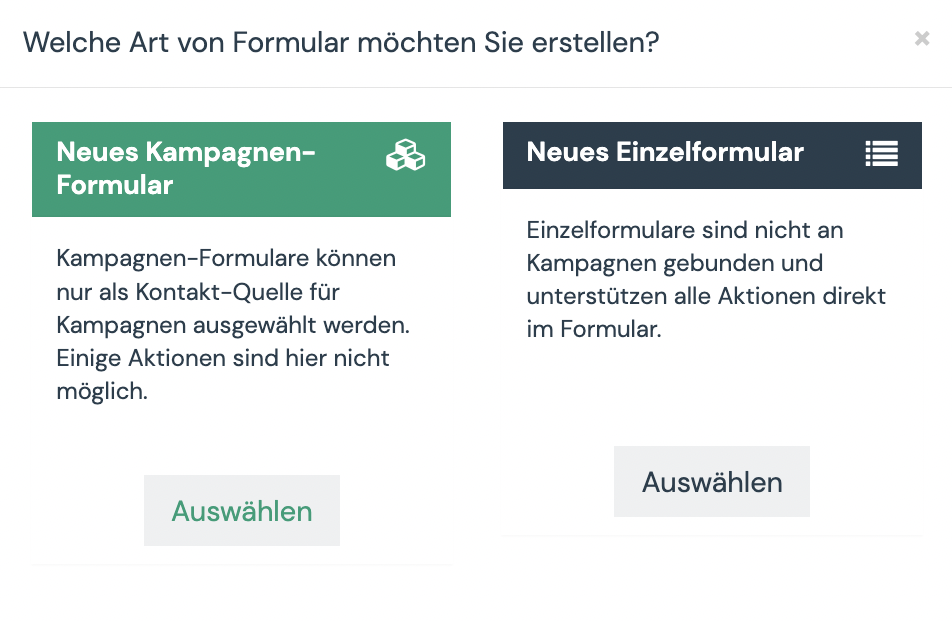
There are two different types of forms in Aivie: campaign forms and single forms.
New Campaign
Campaign forms can only be selected as a contact source for campaigns. Some actions are not possible here.
If you can wait a maximum of 10 minutes for the email to be sent, then a campaign form is recommended. You can then clearly evaluate in the campaign whether it was opened, clicked, and downloaded. This eliminates one step (Segment => Campaign), and the contacts are in the campaign a little faster.
New individual form
Single forms are not tied to campaigns and support all actions directly in the form.
If the email should be sent immediately, then a single form is recommended. Here you can send the e-mail immediately, then pack the contact into a segment and send the contact to max. Get 10-15 min into the Campaign. In the Campaign, you can then check, for example, whether the contact has already entered a phone number. But unfortunately it is not possible to reliably check whether the user has downloaded an asset.