
On the email overview page, you can see that contacts are in the queue. This is because the contacts have already received the maximum number of emails per set period. If a contact should only receive one email per month, the second email will remain in the queue.
This setting can be adjusted per contact or globally. If a contact has this set, it looks like this:
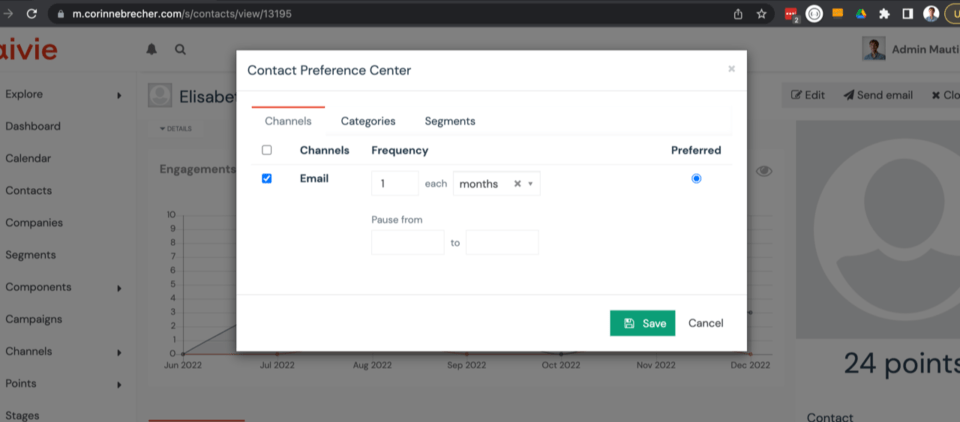
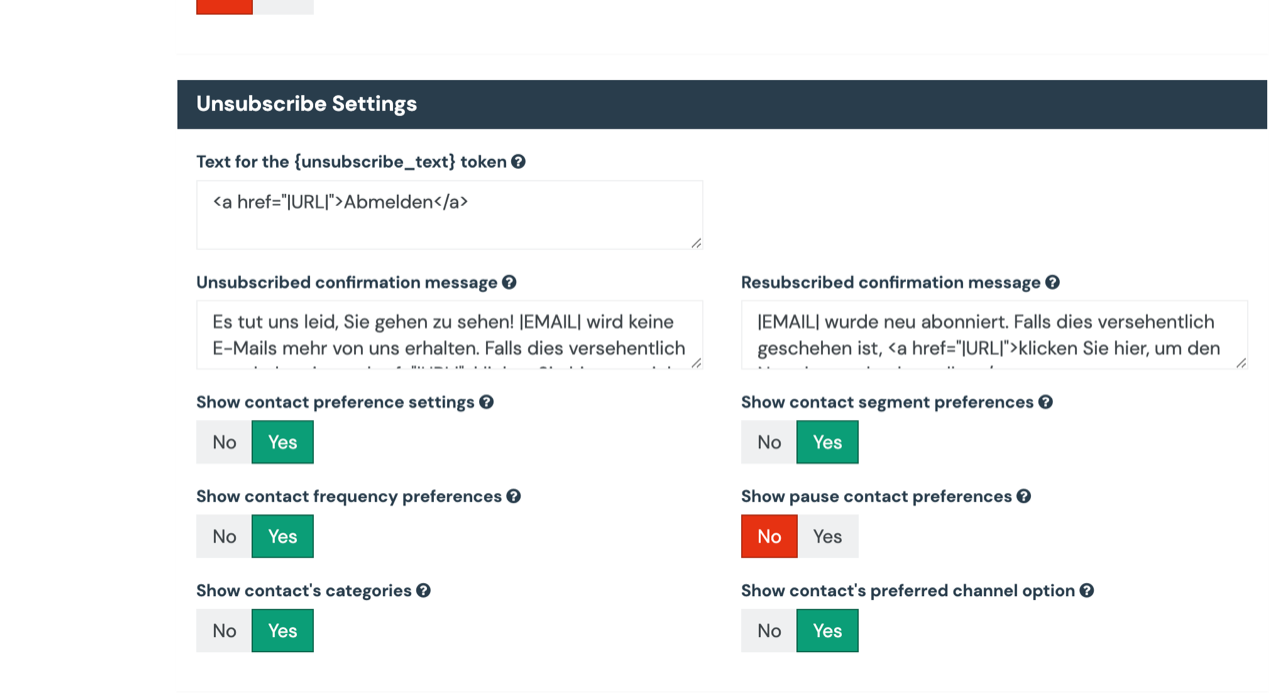
If you don’t want to provide this option, you can disable it in the email settings. At the bottom you will find the logout settings: “Show contact frequency preferences”.
How to create a Preference Center/Update Settings page for your emails and newsletters.
