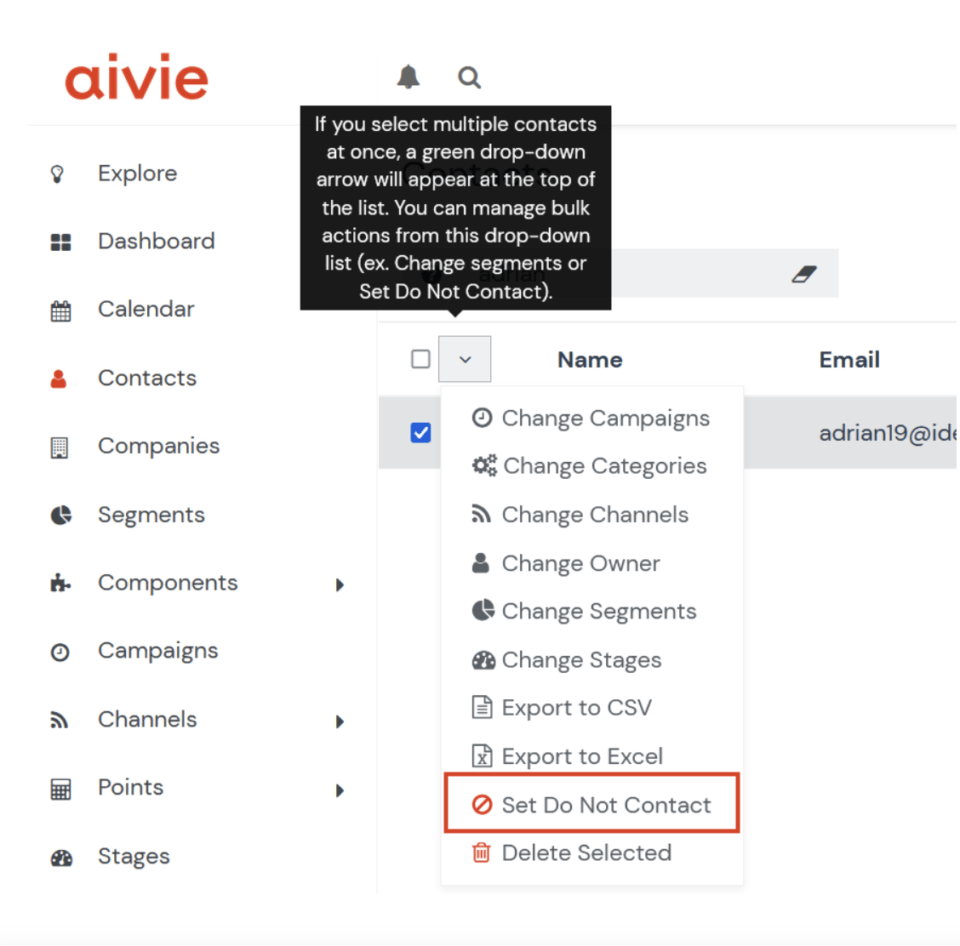
To set a person to “do not contact”, you can select the person and use the drop down to select “do not contact”.
- Find the person under Contacts
- Activate the checkbox in front of the contact’s name (see image)
- Open the actions above the image
- Select “Do not contact”.