You can easily group your contacts using segment filters. These segments can be flexibly assembled from a variety of criteria.
- To create a new segment, navigate to Segments in the side menu and click “+ New” in the upper right corner.
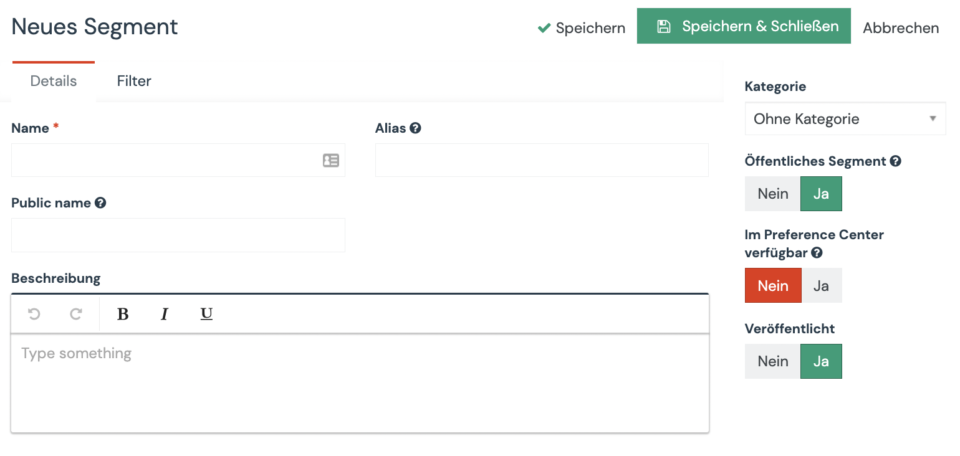
- Name your segment, besides an internal name you can also assign a public name for a segment. The public name is displayed to the contact in the Preference Center if you activate the corresponding switch on the right side.
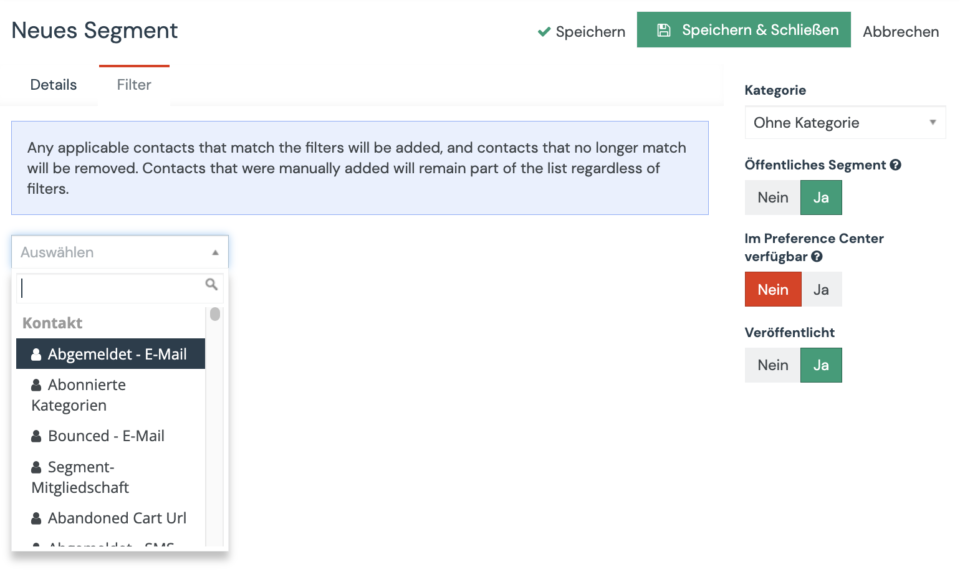
- Under the «Filter» tab, you determine which criteria a contact must meet to be automatically added to this segment.
- Save and publish your segment. If a segment is not published, it is not available for use and will not appear in any dropdown field.
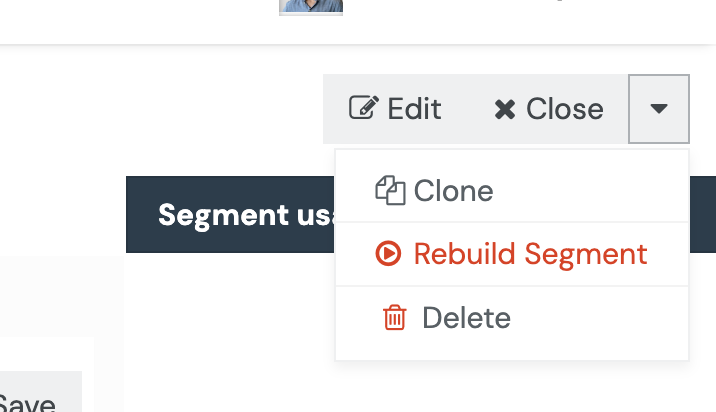
- Aivie automatically calculates your segments at regular intervals (depending on your subscription). If you want to calculate your segment immediately for testing purposes, you can trigger the immediate calculation via the context menu in the upper right corner.