
This function is ideal for newsletters, webinars, special promotions, or event invitations. Imagine you want all your contacts to receive your monthly newsletter in the first three weeks of the month. Both existing contacts and those who newly subscribe to the newsletter.
Set email sending period
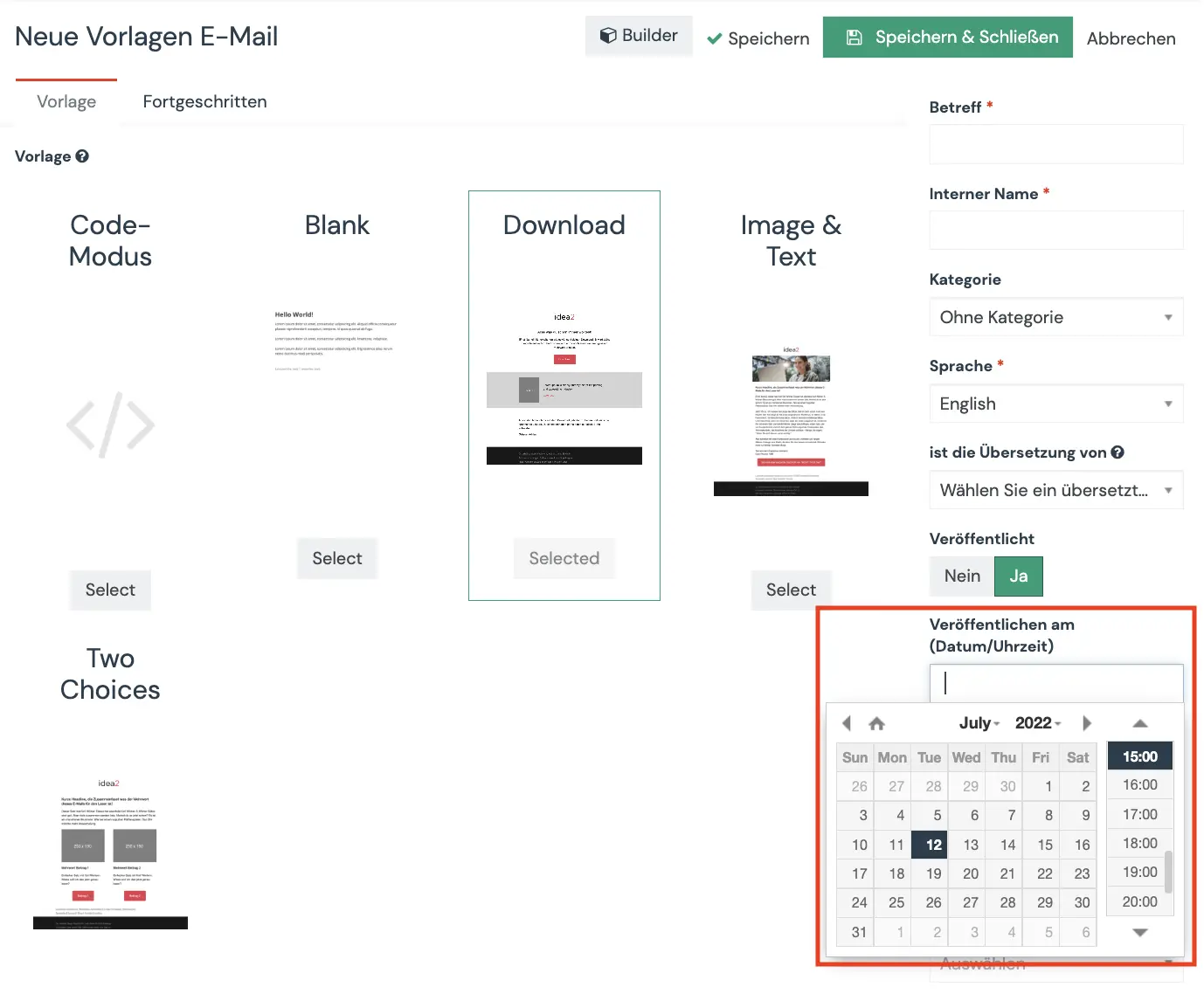
You can set the email sending time in the Publish on (date/time) field.
This allows you to determine the period in which the email should be sent. For example, when the newsletter is sent. But you can also send special offers, such as for Black Friday, in a very targeted manner.
From the “Publish on” date, the email will automatically be sent to all contacts in the segment until the “Unpublish on” time.
Caution: Set an Unpublish on date
If you do not set a date, the email will continue to be sent automatically to all contacts who newly enter the selected segment. Therefore, we always recommend setting an “Unpublish on” date.
