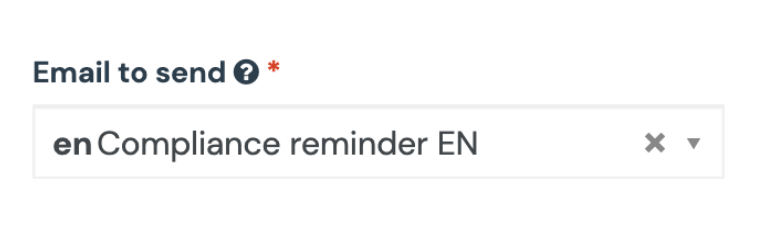
This works best if you link emails and select English as the default/parent language.
- Select the DE version of the email
- Under “is the translation of” select the EN version of your email

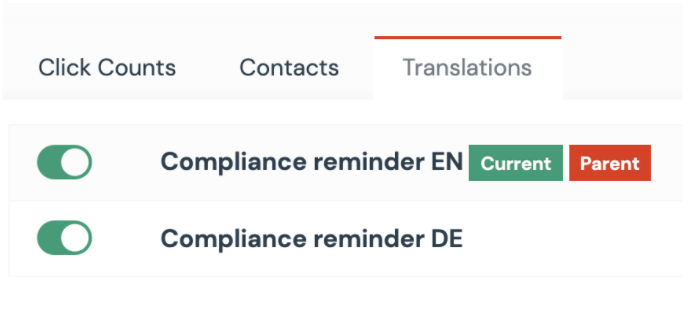
- Now the EN version of your email is the parent, i.e. the default email
- Under the EN version of the email, you will find both emails under the translations
Important: Select the parent email (EN version) in the campaign. Otherwise, the automatic change of the language does not work.