
With the new feature Template Settings, you can change the basic settings of your emails.
You can find the template settings via the settings under Configuration. Then click on Template Settings and adjust your template.
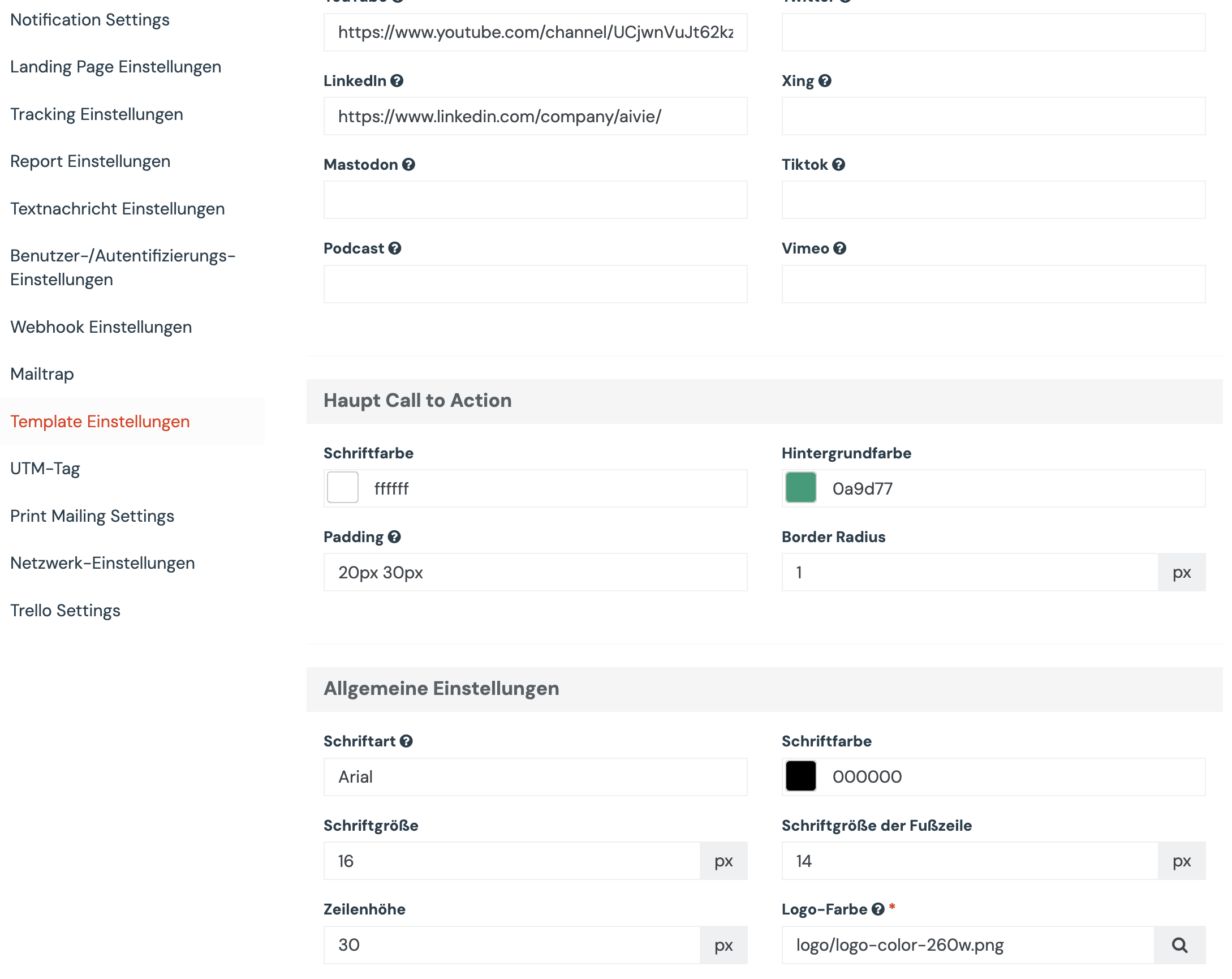
You can change the font and background colors or adjust the font sizes in the template settings. Once you’ve entered your customizations and saved your settings, your templates will immediately appear in your new theme.
In this short explanatory video, we will show you step by step how you can customize your template.
