
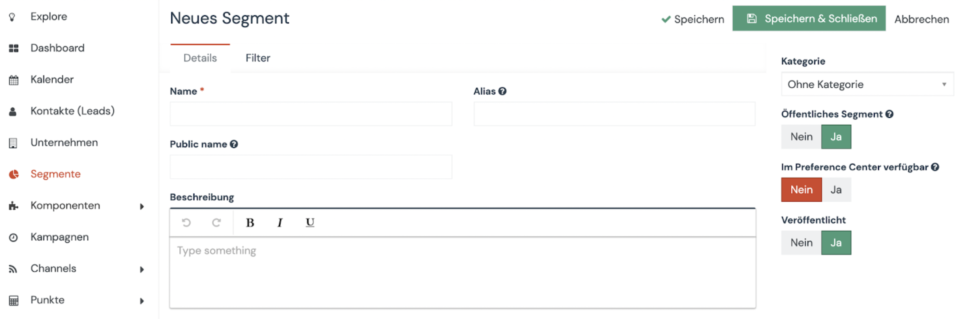
You can easily create segments via the sidebar menu.
- Select “Segments” in the side menu
- Click the “+ New” button in the upper right corner
- Choose the name of the segment
- Select the category
- Click “Save & Close”.
That’s it, your segment is now available and can be filled with contacts.
Here you can find out how to automatically fill your segment with contacts.
