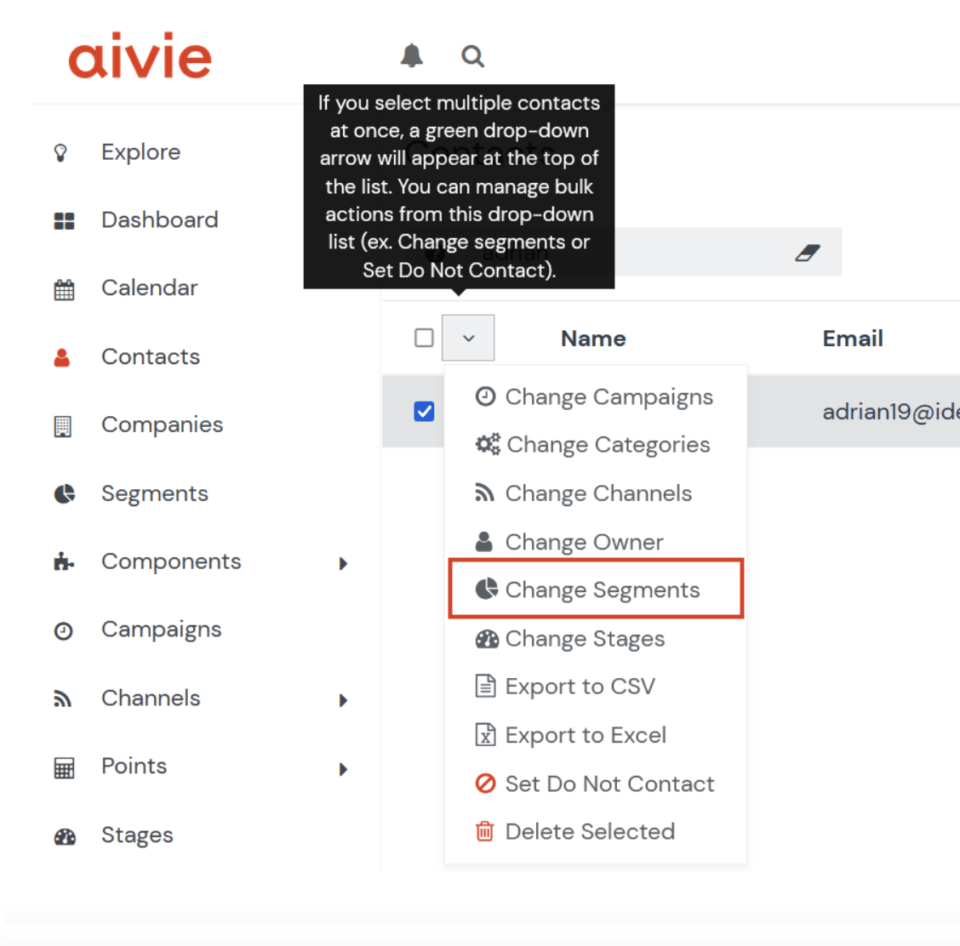
To add a contact to a segment, you can select the contact and select it via the drop-down menu «Change segment».
- Go to Contacts in the main menu.
- Select the desired contacts using the checkboxes.
- Click on the Actions drop-down menu.
- Select the “Add to segment” option.
- Select the desired segment in the dialog box.
- Click on Add to assign the contacts to the segment.