
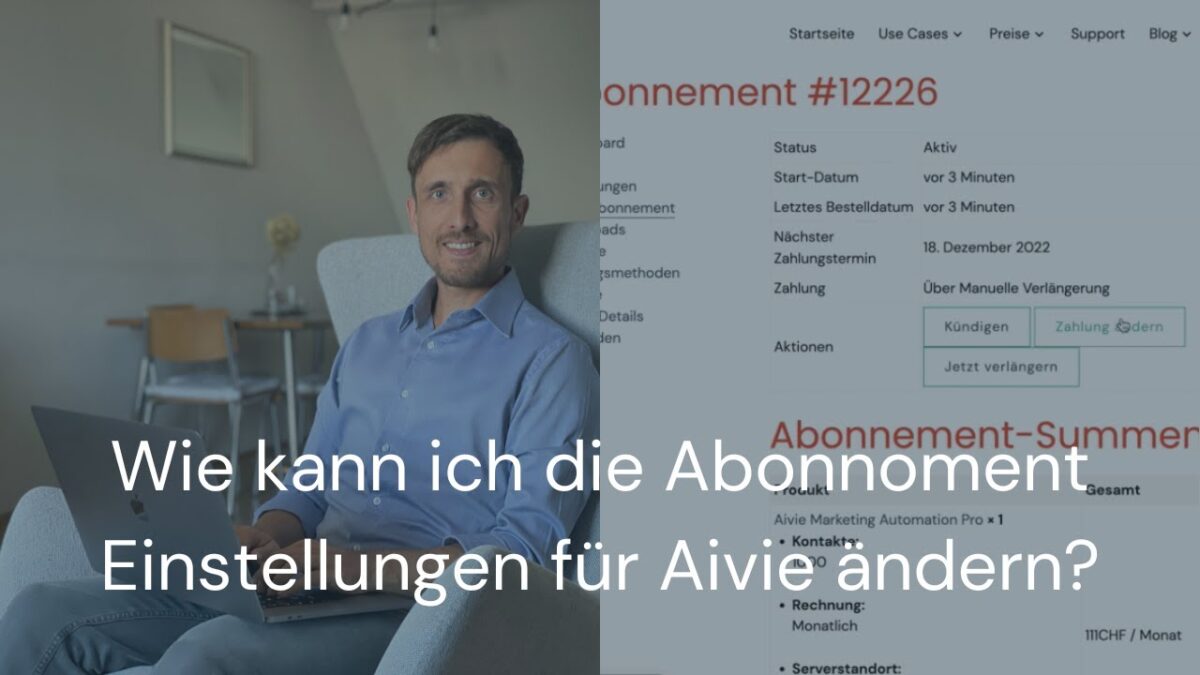
You can manage both your payment details and your subscription settings directly in your customer account. For example, you can adjust the payment method, change the number of contacts, renew, or cancel your subscription.
Which settings can I adjust myself?
You can independently change the following options:
Update payment method
In the Payment Methods section, you can add a new payment method or replace an existing one. This will automatically be used for future renewals of your subscription.
Set default payment method
If you have multiple payment methods saved, you can define one as the default. This will then be used for all future debits.
Make a manual payment
If a payment has failed or your subscription is set to manual renewal, you can initiate an open payment directly in your customer account. After successful payment, your subscription will continue as usual.
Where can I find these settings?
You can find the most important sections in your customer account:
My Account > Subscriptions
Here you can see your active subscriptions, their status, and open payments.
My Account > Payment Methods
Here you can add, remove, or set payment methods as default.
What’s important to know?
Customers who pay annually and have at least one subscription for 5,000 contacts can also pay by invoice.
You have two logins. One for the Aivie tool, and one for the account where you manage your order and billing data.
In short
You can manage your payment methods yourself, set a default payment method, and make open payments. To do this, go to your Account.
