
The answer to all your marketing questions.
The marketing automation tool Aivie.
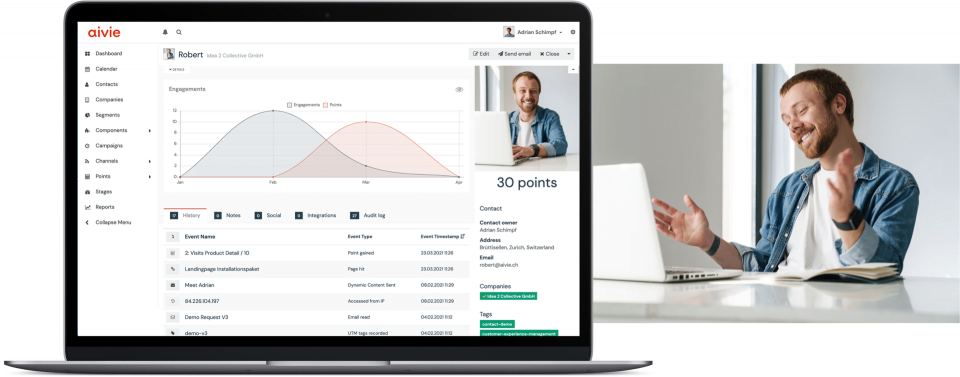
Automating your marketing will not only save you time and money. Your customers will also benefit from tailored offers and personalised content. Aivie is your complete and flexible marketing automation tool for a successful customer interaction.
Our partners



Successful marketing. Fully automated.
Be it newsletters, lead generation or campaign management: digital marketing is a complex matter. Therefore, it is even more important that a marketing automation solution is not only simple, but also flexible. Aivie offers you both. And much more.
Complete solution
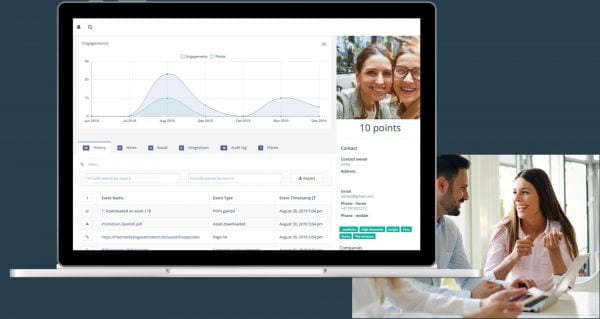
Aivie is a powerful, complete marketing automation solution and can be implemented instantly. Including personalised design, automated campaigns, tracking and lead scoring.
Flexible integratable
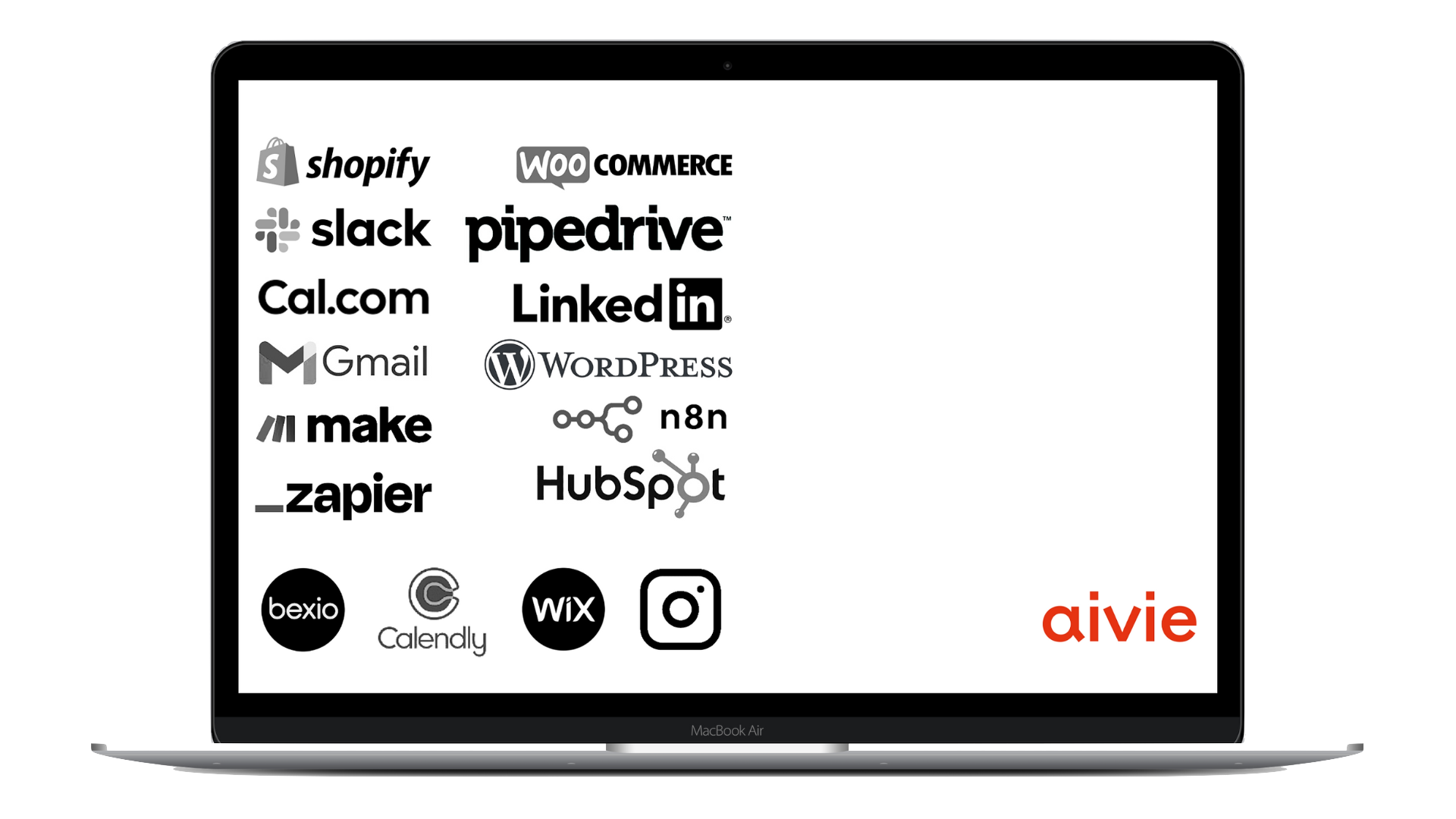
Thanks to open source technology, Aivie can be integrated seamlessly into your tools infrastructure and its functionality can be extensively expanded, thanks to numerous plug-ins and interfaces.
Reliable & secure
Aivie uses local, certified servers. We are hosting securely and data protection compliant in Europe, Switzerland or your preferred region.

One tool for efficient and personalised customer interactions: This is Aivie.
Happy customers
working with
Aivie.



“With Aivie, we’ve been able to segment our contacts to share only the relevant information for that one segment.”
Iara-Safira Do Amaral, Falcone Specialities
Swiss software
with data
sovereignty
Don’t keep your contacts waiting.

Start with Aivie for free.
Use Aivie free of charge for 30 days and find out how you can reach your contacts in a targeted manner thanks to Aivie. Aivie already offers you all the possibilities of the full version in the trial.
Just try it!