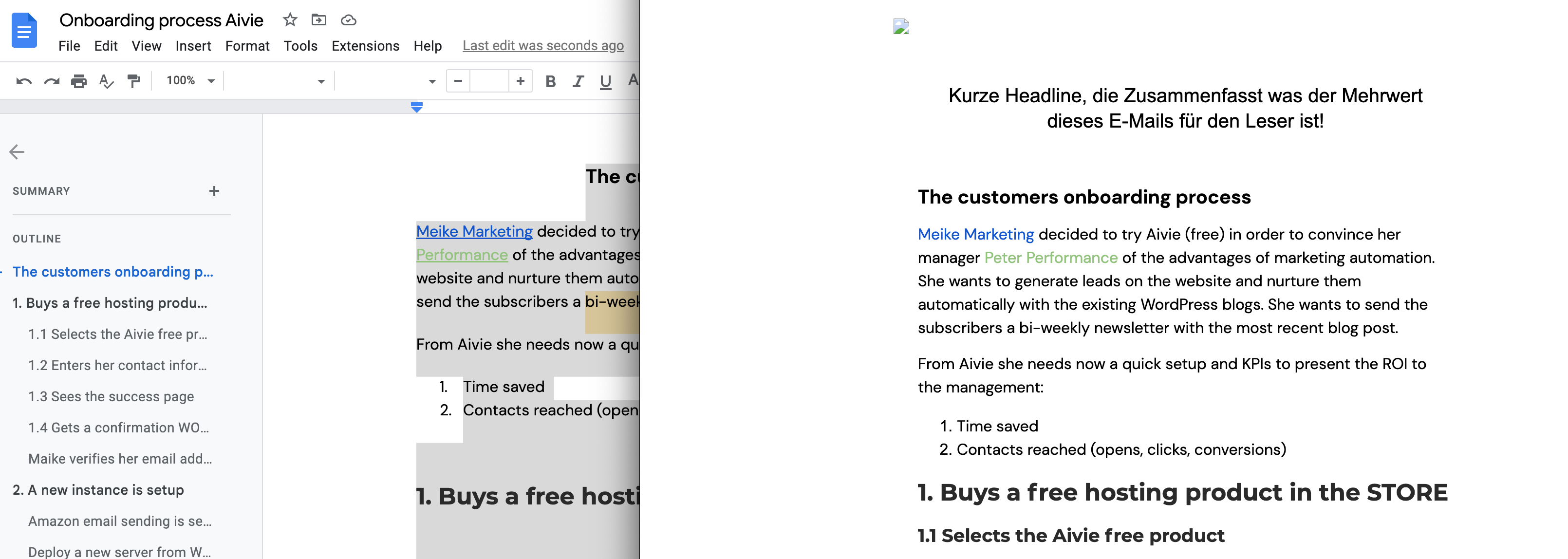
Yes, you can copy text with links in your formatting from Google Docs directly into your email.
The links will then have the correct color immediately.
- Format your links in your Google Doc according to your brand
- Copy the text
- Open your email and insert your text directly
- Save your email
- Open the preview to check the formatting
- Your email is now ready to send