
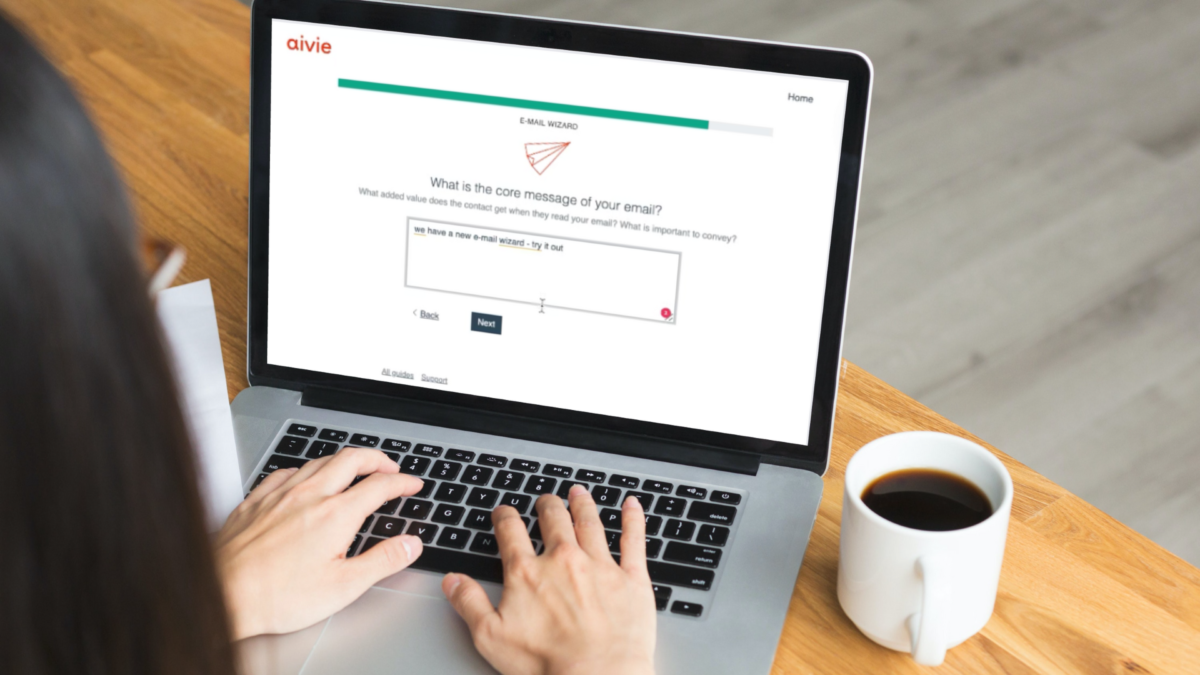
With Aivie AI you can create marketing emails with AI, personalize them, and review them before sending. The Email Wizard guides you from audience selection through content creation to the ready-to-send message directly in Aivie/Mautic.
You start faster, stay in your familiar workflow, and can focus more strongly on message, offer, and campaign goal.
Create email copy with AI directly in Aivie/Mautic
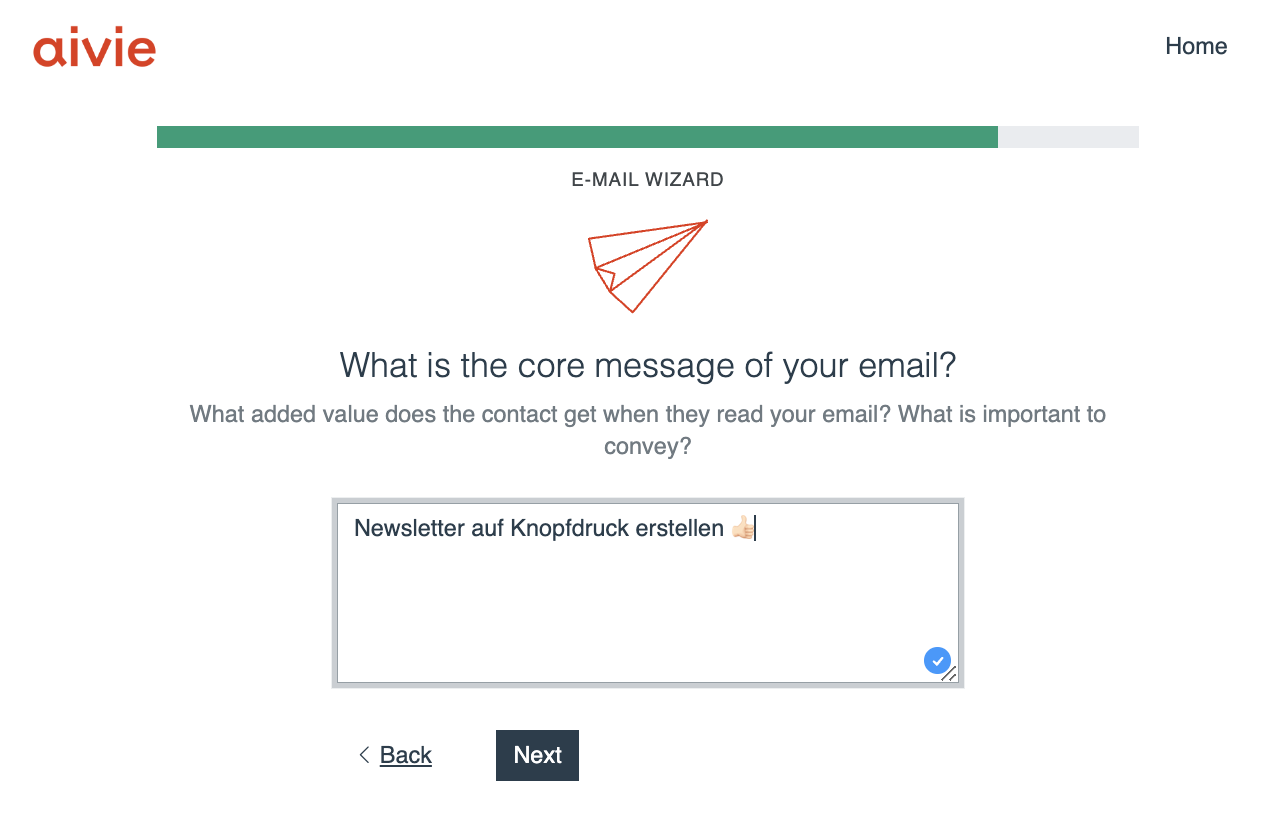
First select the target audience and a suitable Aivie Theme. Then describe in a few keywords what you want to communicate. Aivie AI creates a proposal for subject line, greeting, content, and call to action.
- Start faster: Keywords become a complete first draft.
- Develop variants: Adapt tone and messaging to audience and campaign goal.
- Continue directly: Adopt and edit the text in the Email Wizard without switching between multiple tools.
- Stay brand-consistent: Combine the content with your existing Aivie Themes.
Review personalized emails before sending
Dynamic content looks different depending on the contact. With the contact-specific email preview you select a person and check the fully rendered message. This way you review personalized fields, dynamic text blocks, and assigned contact persons before the campaign starts.
Technical email check before saving
Before you save or send an email, the Aivie Builder checks the links used and the technical structure. In AI and MJML workflows, hints, warnings, and errors are displayed separately. This allows you to correct specific problems before they end up in a campaign.
Small features make daily email creation easier
Details also belong to an efficient workflow: emojis can be used in the subject line when needed, existing content can be further edited, and the preview shows the result for specific contacts. What matters is not the individual feature but a consistent process from first draft to reviewed email.
How to create and review a marketing email
- Select target audience, campaign goal, and Aivie Theme.
- Enter the most important content and the desired tone.
- Create proposal with Aivie AI and adapt editorially.
- Review personalization based on a specific contact.
- Test email, approve, and use in campaign.
Aivie AI is already included for Aivie customers
The AI-supported Email Wizard is already integrated for Aivie customers. For self-hosted Aivie/Mautic installations the feature is available as Aivie Mautic ChatGPT Plugin.
Create marketing emails with Aivie AI
Use Aivie free for 30 days and create your next marketing email directly in the Aivie Email Wizard.
Lass deine Kontakte nicht warten.

Kostenlos mit Aivie starten.
Nutze Aivie 30 Tage lang kostenlos und prüfe wie du dank Aivie deine Kontakte gezielt erreichen kannst. Aivie bietet dir schon im Trial alle Möglichkeiten der Vollversion.
Probier es jetzt einfach aus.
Our T&Cs apply: https://aivie.ch/en/terms-and-conditions/